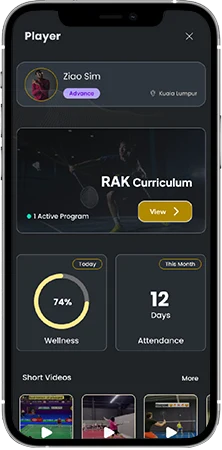
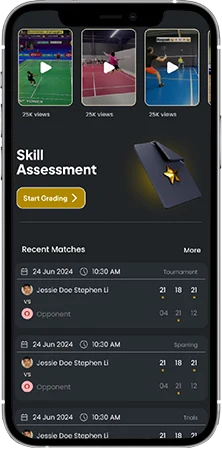
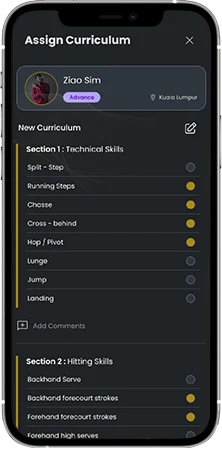
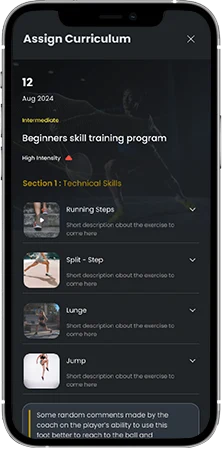
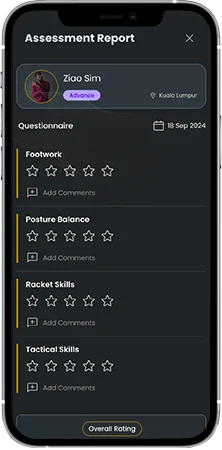
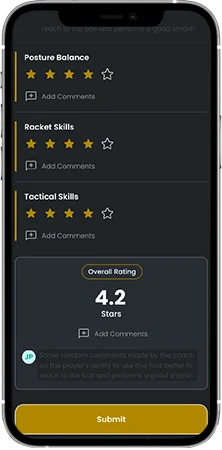
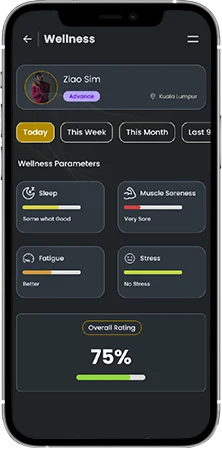
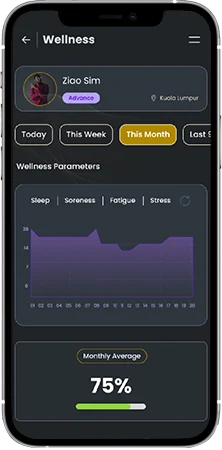
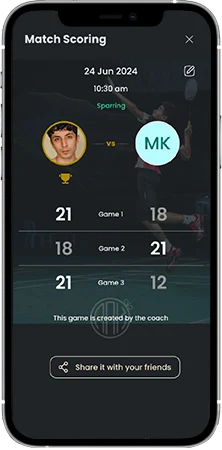
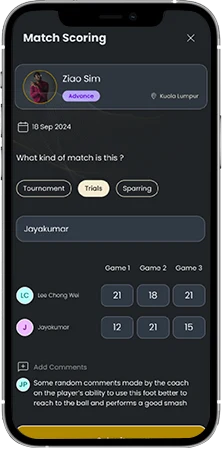
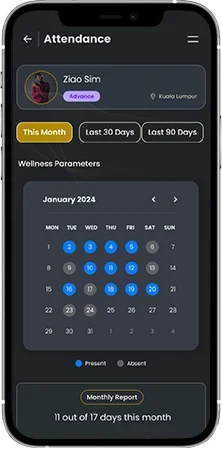
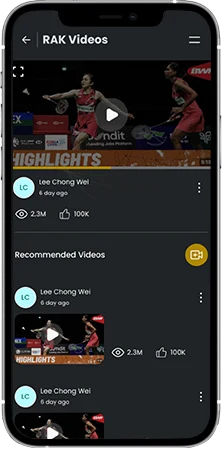
Player Performance Management Guide Player Performance Management 1. Player Performance Management2. Training Curriculum3. Skill Assessment4.Player Daily Wellness5. Player Match Scoring6. Player Attendance Report7. Player Videos Menu 1. Player Performance Management2. Training Curriculum3. Skill Assessment4.Player Daily Wellness5. Player Match Scoring6. Player Attendance Report7. Player Videos Step:1 Player performance management From the teams section, you can select any of the player to view the player performances You can get all the player related data, stats, curriculum and much more from this one section. Step:2 Player Data Access individual player modules like Training Curriculum Wellness report Attendance Player videos Skill assessments Match scores Step:3 Training Curriculum You can create a new curriculum program for your players Select from the options and curate a training program Add your comments Set validity date on how long the player has to follow this routine Automatically the player will get this program in his app. Step:4 Share and get feedback The player can access the program you have shared with him Players can read the descriptions and added videos to understand more about each of the training plan. Step:5 Skill Assessment Use our assessment template to do a basic skill assessment test Enter your feedback as star ratings and comments for each of the skill Step:6 Add Overall comments and set goals Get an overall star rating for the player Add your overall comments and goals for the players Submit and share it with the player instantly. Step:7 Player daily wellness Monitor the daily wellness parameters of the player Track the deviation is any of the individual parameters from here. Step:8 Weekly, Monthly and Quarterly reports Get consolidated trend reports for weekly, monthly and quarterly durations. Understand the player wellness deviation at a greater level. Corelate the wellness data with the player’s match and training performance. Step:9 Player match scoring Track all the match scores of the player Step:10 Match scoring Select the player Enter the match type Enter the opponent name Enter the points for each game Add your comments Save the match Step:11 Player attendance report Monitor player attendance on monthly basis Check data for last 30 days and last 90 days Step:12 Player Videos Check all the player videos from this section.