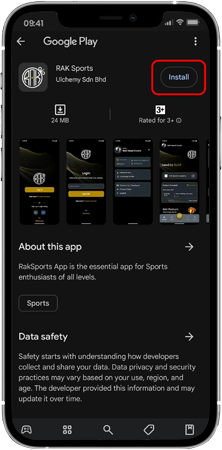
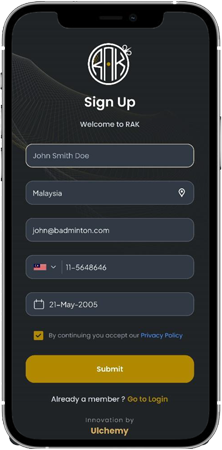
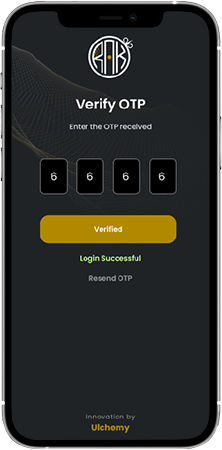
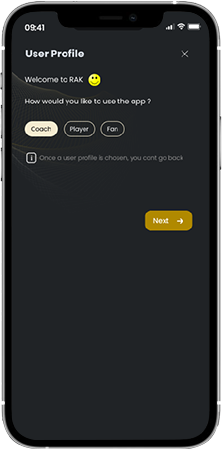
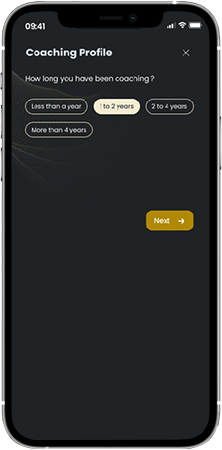
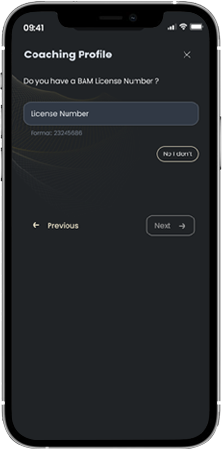
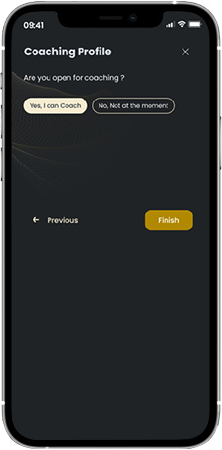
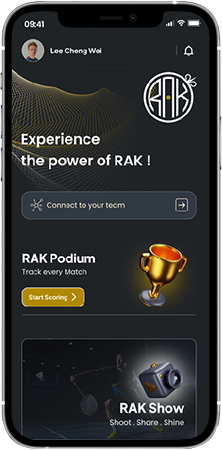
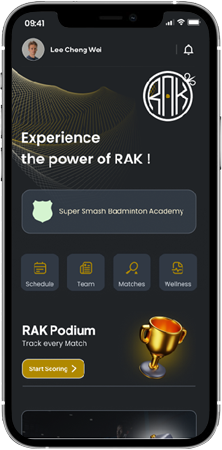
Getting Started - Manage Your Team Like a Pro on RAK Getting Started 1. Download the app2. Create your RAK account3. Set up your coaching profile4. Connect to your academy Menu 1. Download the app2. Create your RAK account3. Set up your coaching profile4. Connect to your academy Step:1 Download the app Download RAK app from Android play and Apple store. Step:2 Creating RAK account Enter the required info like your Full name, Email ID, Mobile No. and Date of birth Agree to our privacy policy Hit submit and create your account Step:3 Verify through OTP Enter the OTP received through you mail or mobile number Get verified and ready to use the app Step:4 Select Coach as your user profile Note: Changing from one profile to another after app usage will result in data loss. Step:5 Set your coaching profile Answer simple questions about you. This will help our AI to set up the best app experience for you. Step:6 Enter your license number Enter your BAM license number if you are a registered coach You can skip this if you don’t have a BAM license number Step:7 Set your coaching profile If you are open to receive coaching requests from other players, answer this question as “Yes, I can coach” Click “Finish” to complete your Profile set up You are all set to experience the power of RAK Step:8 Connect to your Academy Once you have set up your coaching profile, you can connect to with your academy Step:9 Connect to your Academy This will open up your access to all the events, players, coaches, videos in your academy